If you are looking for corporate and insurance bookings, the commercial opportunity matters — but so does the operating model behind it. You need to know how your team will set up an account, control property status, see bookings and keep information accurate without creating another disconnected process.
Our Supplier Portal gives professional UK accommodation operators a central place to complete onboarding and manage their VivreStays activity. It is designed for established suppliers of entire properties, including serviced-accommodation, short-term-rental, corporate-housing and property-management businesses.
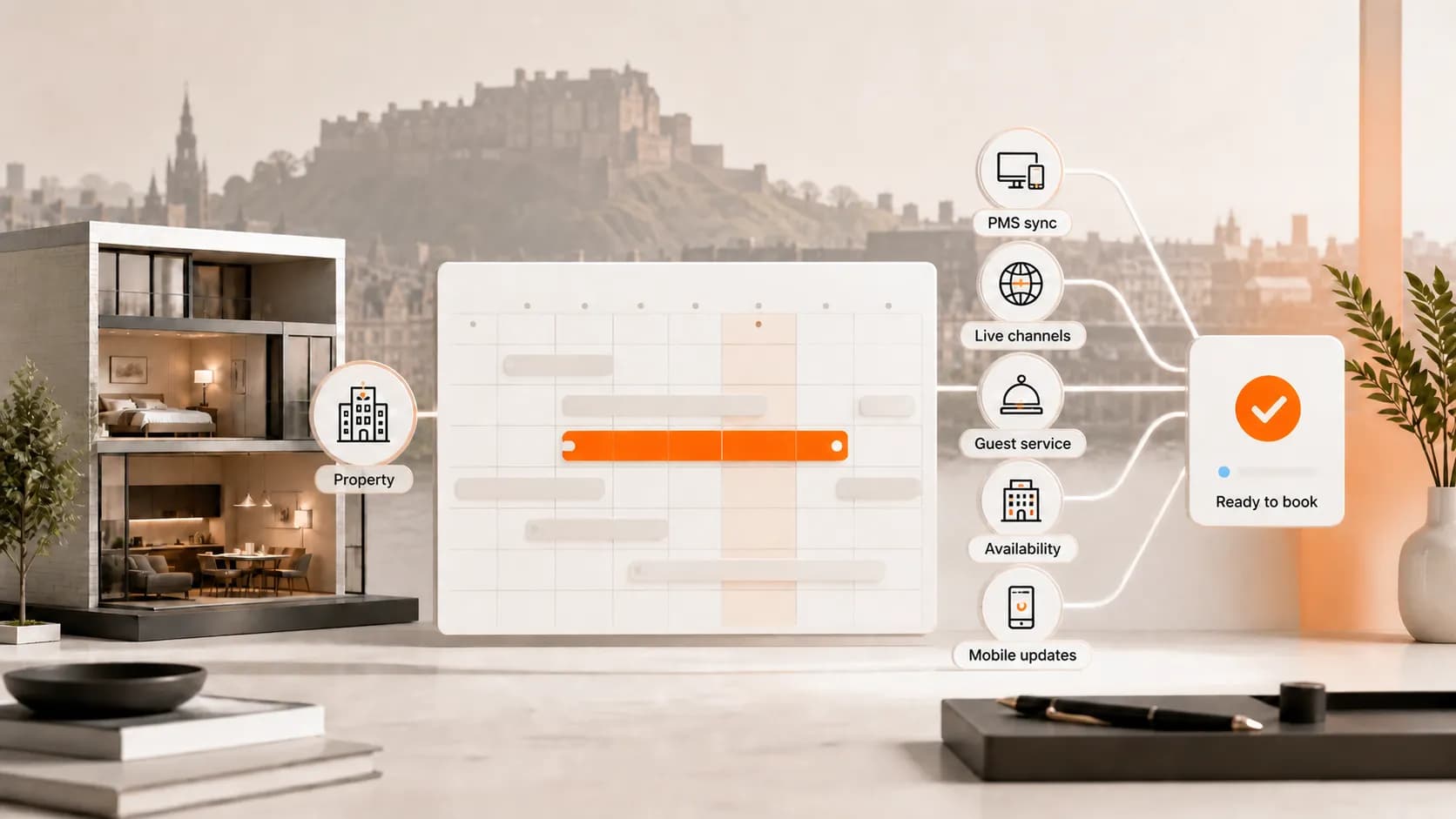
Direct answer: the portal brings your account setup, business profile, property status, booking view, invoices and supported connectivity into one workflow. That helps your team understand what is live, what still needs attention.
Key takeaways
Complete the required account steps before expecting properties to become active.
Use the property-status view to distinguish listings that still need information from listings that are live and bookable.
Treat availability and pricing accuracy as an ongoing operating responsibility, not a one-off onboarding task.
Use supported connectivity where it fits your existing PMS or channel-manager setup, but confirm the exact connector behaviour with us.
Who our supplier portal is built for
We work exclusively with professionally managed accommodation providers. Our current supplier eligibility page is clear that we are not open to individual landlords or casual hosts, and that applications must relate to entire UK properties rather than shared or room-only accommodation.
That distinction protects the quality of our network and makes the portal more useful for serious operators. It is intended for businesses that already understand availability control, guest support, property standards and the responsibility of keeping bookable information current.
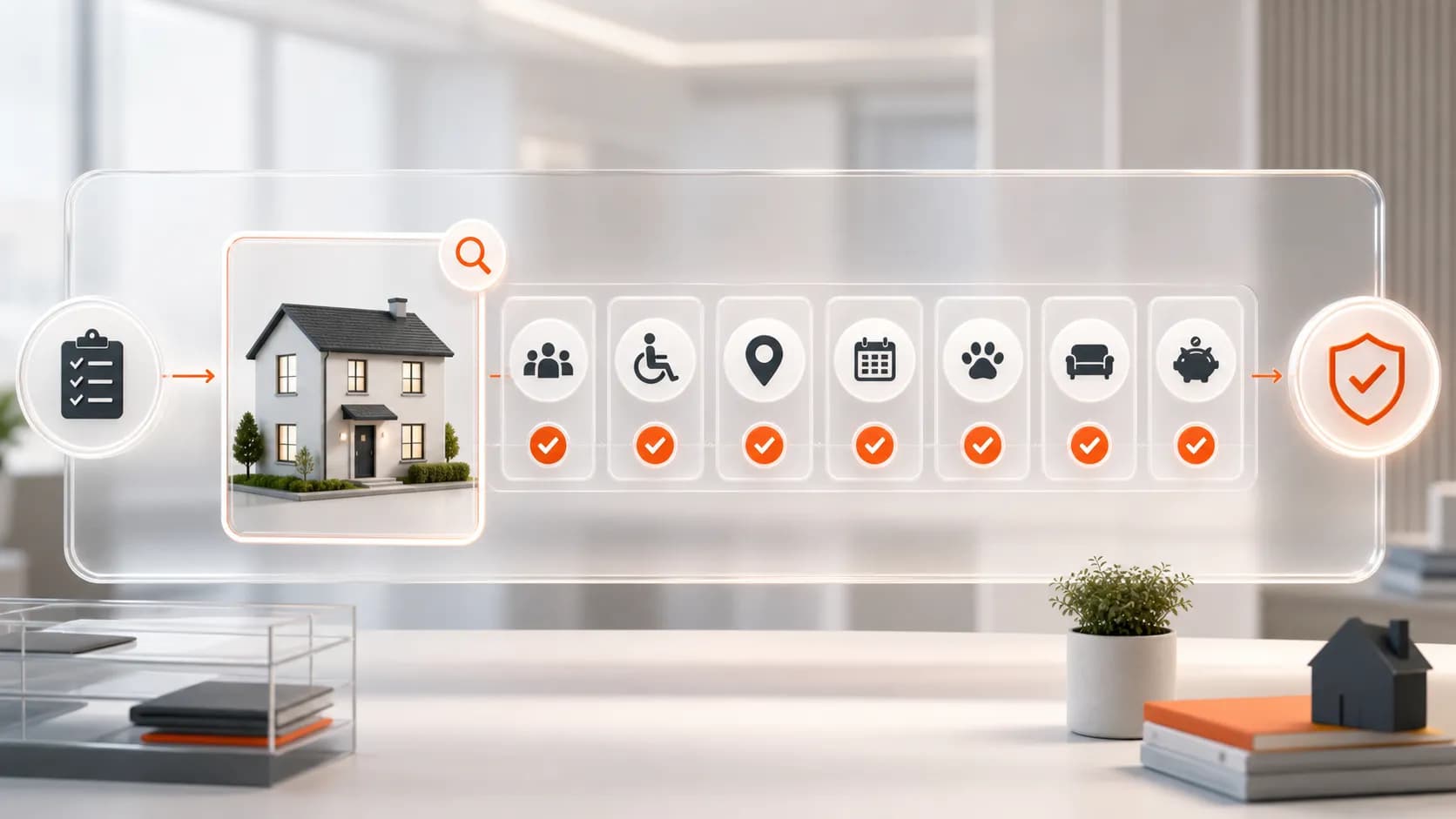
Before applying, check that your portfolio can meet our published baseline requirements:
Entire properties located in the United Kingdom
A fully equipped kitchen, free Wi-Fi, linen and towels
Weekly cleaning included or available within the rate structure
A 24/7 emergency response capability
A reliable track record of customer satisfaction
A process for keeping availability and pricing updated
Operational ownership for accepting and managing bookings reliably
Meeting the checklist does not guarantee approval. We review suitability before activating suppliers and properties on our platform.
The supplier portal workflow at a glance
A good portal process is not simply “log in and upload everything”. We recommend treating onboarding as a short operational project with a named owner, a controlled first group of properties and a final accuracy check before activation.
1. Eligibility — Confirm the business and portfolio meet our supplier standards Control: Do not submit shared, room-only or non-UK inventory
2. Account setup — Sign in, review the agreement, complete the profile and secure the account Control: Use current authorised business and payment details
3. Property readiness — Resolve missing information and confirm which listings are ready to be active Control: Keep unavailable inventory out of sale and maintain accurate content
4. Booking management — Monitor active, pending and cancelled bookings in the portal Control: Give booking responsibility to a named team member
5. Portfolio control — Review invoices, connectivity and operational exceptions Control: Reconcile portal activity with your PMS and finance process
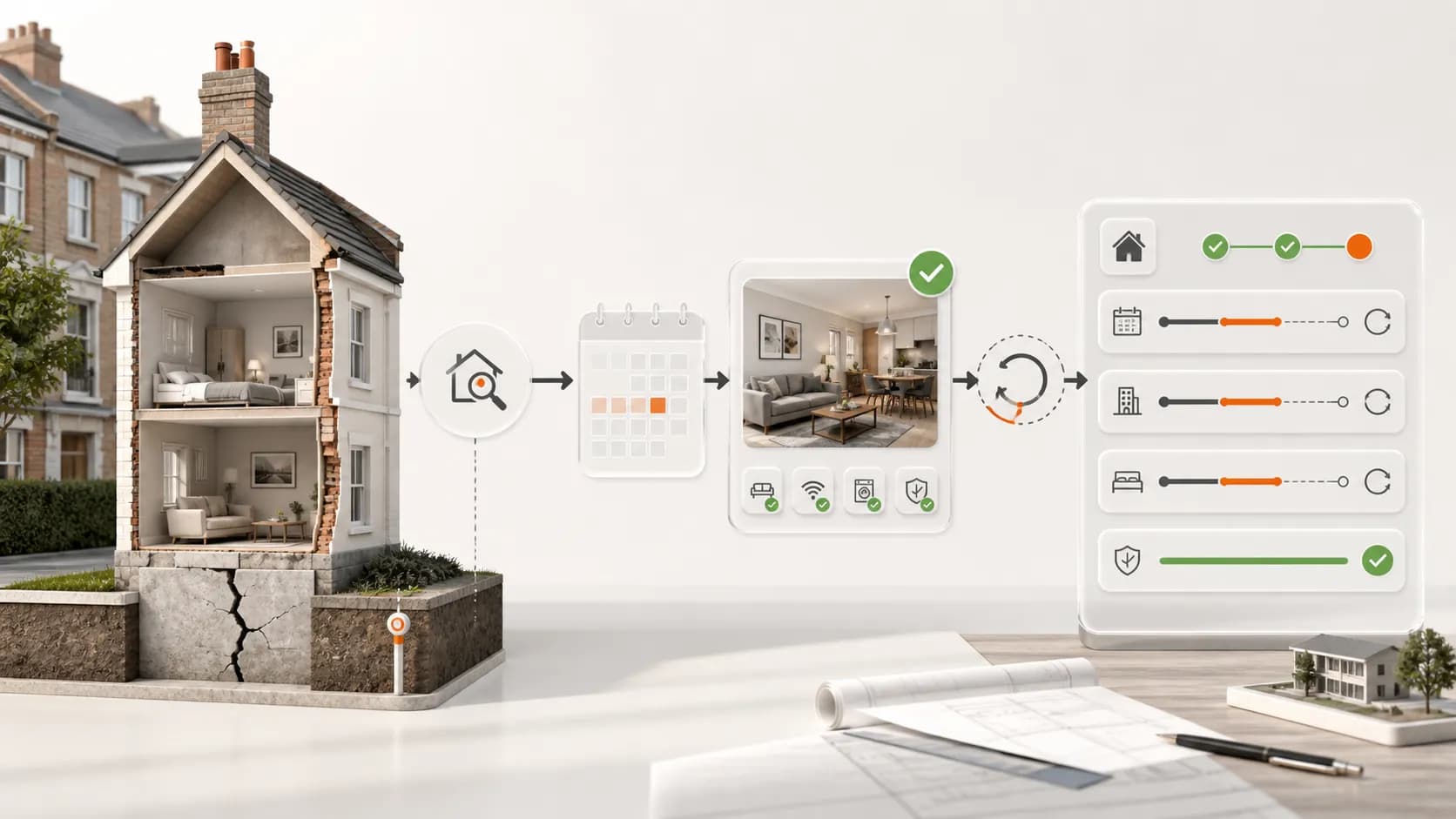
From account activation to ongoing portfolio control: the VivreStays supplier workflow.
Step 1: complete account setup carefully
The live Owner’s Portal tutorial starts with signing in using the credentials provided by email. It then directs suppliers to review the Supply Partner Agreement before accessing the rest of the portal.
Read that agreement as an operating document, not a box to tick. It should be your source of truth for current commission, payment timing and other commercial terms; if any public help page differs, the current agreement takes precedence.
Complete your profile with accurate business details and a secure password. Our 2FA setup guide covers the portal steps; the UK National Cyber Security Centre guidance explains why an extra sign-in check strengthens account protection.
Finish the required payment setup using authorised details that match your business records. Where access is shared across a team, define who owns account administration and who can approve changes before you begin adding or connecting inventory.
Step 2: understand property status before scaling
The Properties area helps your team distinguish listings that still need information from those that are live and bookable. Use that distinction as a readiness control: incomplete inventory should stay out of sale until the required details have been resolved.
When maintenance, a management change or another operational issue makes a property unavailable, remove it from sale immediately and confirm the change in the system that controls availability.
Before a property moves into your active set, run a simple readiness check:
Confirm the address and property identity are correct.
Check the property is an entire UK home and meets our published standards.
Review facilities, occupancy information and descriptive content.
Confirm the current rate structure and availability.
Check weekly-cleaning arrangements and emergency-support ownership.
Resolve every missing-information flag.
Confirm the listing should be active now, rather than merely being part of your wider portfolio.
This is especially important for management companies with frequent portfolio changes. A disciplined status process reduces ambiguity between your reservations team, property operations and our supplier team.
Step 3: connect supported systems without making assumptions
Our integrations hub currently lists Hostaway, Rentals United, Zeevou, Tokeet, Guesty and NextPax among its supported connections. It presents integrations as a way to synchronise availability, pricing and property content, alongside relevant stay controls.
However, connectors are not interchangeable. The fields, restrictions, discounts, fees and update behaviour available through one system may differ from another, so confirm the exact mapping for your chosen connection during onboarding.
If your business already uses a supported PMS or channel manager, connectivity can reduce duplicate administration. Your internal system should still have a clear source of truth, and your team should know where to correct a rate, close dates or update property content when something changes.
Start with a controlled group rather than connecting an entire portfolio blindly. Check the resulting property records, status and availability, then widen the connection once the workflow is understood.
Step 4: make booking management an owned process
The portal tutorial states that active, pending and cancelled bookings can be viewed in the Booking Management area. That gives your team a single VivreStays view, but a screen alone does not create operational control.
Assign responsibility for monitoring changes and define how the team responds. For each booking, your process should cover property readiness, guest-support ownership, internal notes, finance hand-off and any later extension or cancellation conversation.
For professional managers, the practical question is not whether an extended stay is automatically more profitable. Compare net contribution after acquisition cost, servicing, utilities, wear, peak-date displacement, cancellation exposure and the concentration risk of relying on fewer longer bookings.
That commercial discipline matters when evaluating any source of extended stay bookings for property managers. Our role is to help suitable suppliers present controlled, bookable inventory to our client network; we do not guarantee approval, occupancy, booking volume or profit.
Step 5: reconcile invoices and portfolio activity
The portal’s Invoices area provides access to invoices, while the dashboard is intended to summarise live-property and booking activity. Use these views as part of a regular finance and operations review rather than leaving reconciliation until month-end.
A weekly supplier check can be brief:
Review pending listings and clear genuine data gaps.
Confirm active properties remain available and operationally ready.
Remove properties affected by maintenance or management changes from sale.
Review active, pending and cancelled bookings.
Reconcile invoices and escalate discrepancies promptly.
Check that PMS, portal and internal-team records agree.
The purpose is not extra administration. It is to catch inconsistencies before they become booking problems and to give your team a repeatable way to manage an accommodation supplier partnership.
A sensible first-portfolio approach
If you manage a large portfolio, the fastest route is not always to expose every property immediately. A smaller, representative first group lets both teams validate property quality, status handling and connection behaviour with less operational risk.
Choose properties that are genuinely ready, supported by your team and accurately represented in your source system.
After the first group is checked, document what your reservations, operations and finance teams learned. You can then extend the same controls across more suitable properties with fewer exceptions.
Frequently Asked Questions.
Is the VivreStays Supplier Portal for individual landlords?
No. Our published eligibility criteria say that we work with professionally managed accommodation providers and do not accept individual landlords or casual hosts. We also require entire UK properties rather than shared or room-only accommodation.
Does meeting the checklist guarantee approval or bookings?
No. Meeting the published criteria allows you to proceed with an application, but supplier and property activation remain subject to review. We do not guarantee approval, occupancy or booking volume.
Can I connect my PMS or channel manager?
Our integrations hub currently lists Hostaway, Rentals United, Zeevou, Tokeet, Guesty and NextPax. Confirm the precise fields, restrictions and workflow for your connector with us before relying on it operationally.
What should I do when a property becomes unavailable?
Update the source system that controls the connection and use the appropriate property-status process. If there is any uncertainty about whether the change has reached VivreStays, contact our team rather than assuming a sync has completed.
Where can I see the portal before applying?
You can review our Supplier Portal video tutorial, which walks through account setup and the main portal areas. The written Owner’s Portal tutorial is also available in our integrations and tutorials hub.
Where should I check commission and payment terms?
Use the current Supply Partner Agreement presented during onboarding. Commercial terms can change, and the signed agreement takes precedence over public tutorial copy.
Sources
If you manage suitable entire properties in the UK and want a clearer route into professionally managed corporate and extended-stay accommodation, check your supplier eligibility and apply to work with us.