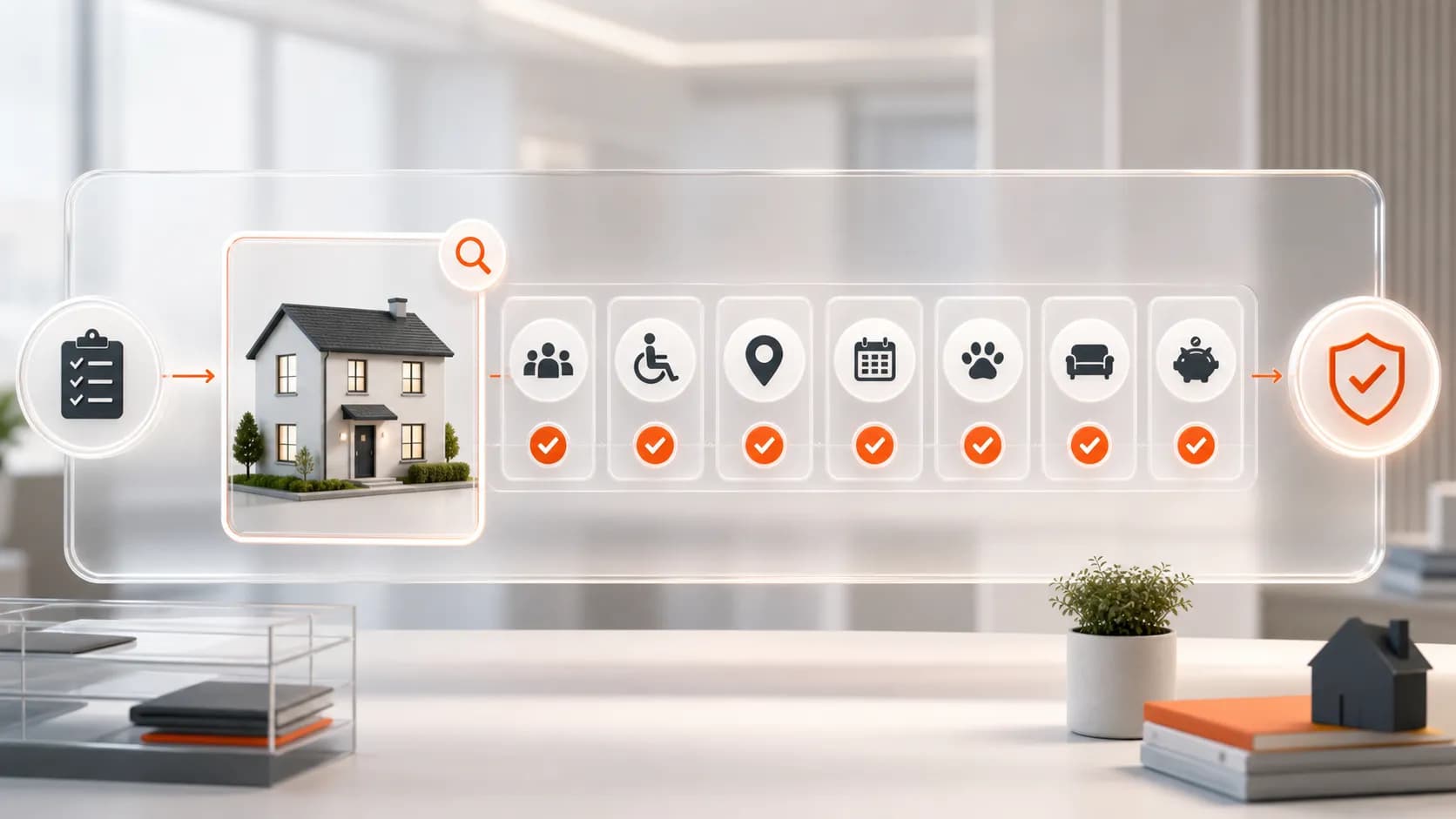
Set up all your cleaning services and charges in your channel manager, including weekly cleaning, cleaning every two weeks and the end-of-stay clean. We display your cleaning options exactly as we receive them through the connection, so the details in your system need to match the service you provide.
At VivreStays, we help professional UK accommodation suppliers reach insurance, housing and corporate clients. Clear cleaning information helps us present your properties accurately and helps everyone understand what is included before a booking is made.
Key takeaways
Add all cleaning services and charges to your channel manager.
Clearly describe how often each service takes place and what it includes.
We show the cleaning details exactly as we receive them through the connection.
Check the information shown with us before your team starts accepting bookings.
Start with the system you already use
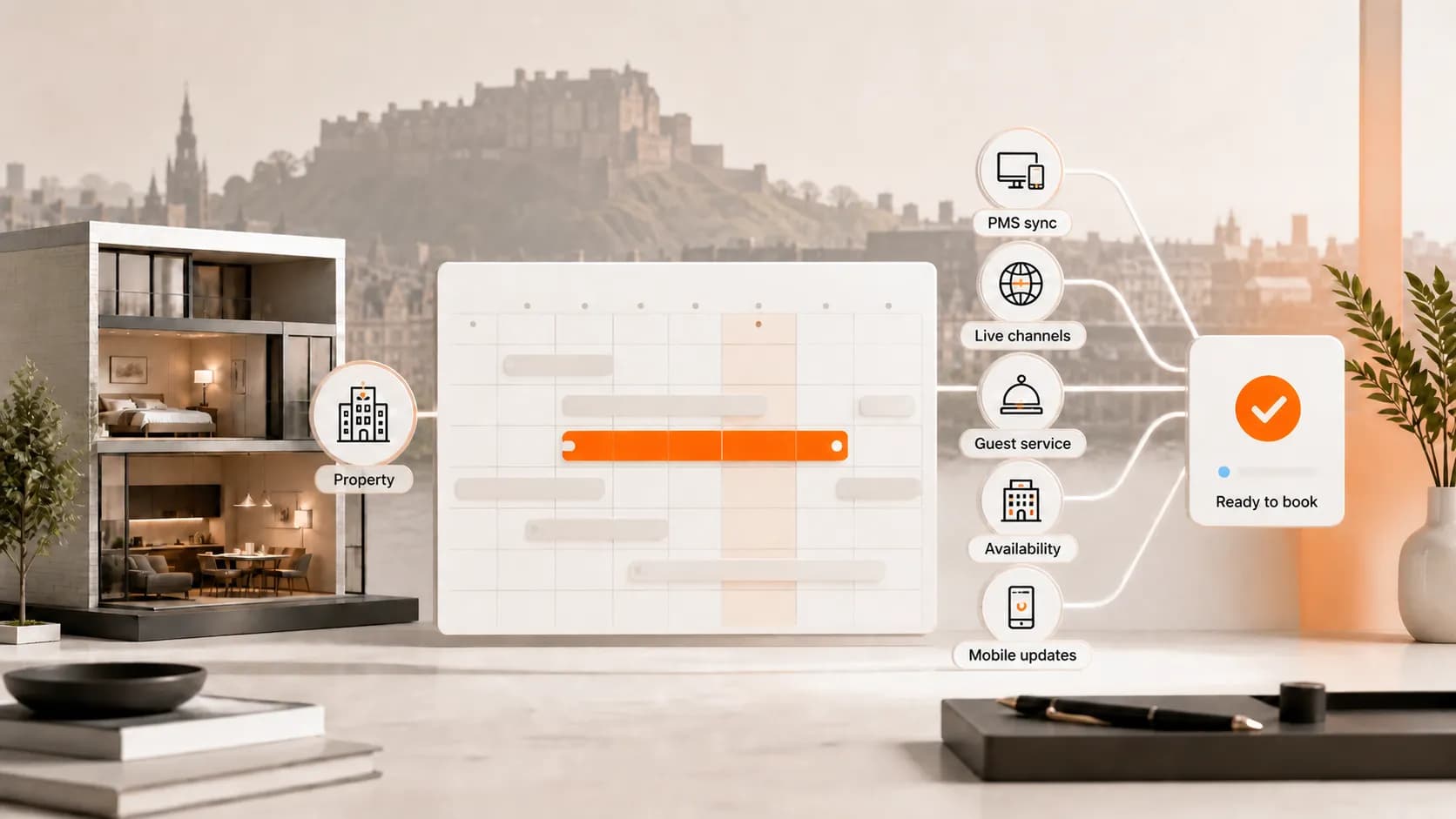
Your channel manager is the software you use to share property information with booking platforms. If your business uses a property management system, often called a PMS, your team may manage these settings there.
The connection between your system and ours is called an API. In plain English, it is how your software passes your property information to us, including the cleaning details it sends.
You do not need to understand the technical side to get your cleaning information right. Start in your own system, set out what you offer and check that the information we receive is correct.
We display those cleaning options exactly as they come through the connection. That makes your channel manager the place to set up the services, descriptions and charges you want us to receive.
Add each cleaning service clearly
Set up every cleaning option that applies to the property, rather than using one vague description for everything. A clean during an occupied stay and a clean after departure serve different purposes, so make the difference clear.
The following examples can help your team organise its settings. Use the service names and frequency options available in your own software.
Weekly cleaning: a clean once a week during the stay, with a clear description of the tasks included.
Cleaning every two weeks: a service once a fortnight, where this forms part of the agreed arrangements.
End-of-stay cleaning: the clean carried out after the household leaves.
Linen and towel changes: explain whether these are included in a cleaning visit or offered as a separate service.
Other cleaning services: describe any additional service, when it applies and the associated charge.
Use ‘every two weeks’ or ‘fortnightly’ rather than ‘biweekly’. Biweekly can mean twice a week or every two weeks, which can lead to an avoidable misunderstanding.
Make the price easy to understand
For each service, check both the amount and how it is charged. A price makes sense only when it is clear whether it applies once, to each visit or in another way supported by your system.
If cleaning is included in your accommodation rate, make that clear in the information you provide. If a service has a separate charge, enter it correctly and explain what it covers.
For example, a one-off departure-cleaning charge should be described as an end-of-stay clean. It should not leave the reader expecting weekly cleaning throughout a longer booking.
Check that your descriptions, cleaning settings and accommodation price tell the same story. Agree any separate charges before booking, in line with your supplier agreement and the terms for the stay.
Check what reaches VivreStays
Before relying on the setup, compare your channel manager with the cleaning information shown with us. This is a simple accuracy check: the service, frequency, amount and description should reflect what your team intends to offer.
We display what we receive through the connection, so checking the original settings is the first step if something looks wrong. If the settings look right but the information shown differs, contact us so we can help check what has come through.
Have the property name and the cleaning details ready when you contact us. A clear example makes it easier to understand the problem without asking your team to explain the software behind it.
Our integrations hub has guides for the systems we connect with, including Hostaway, Guesty, Rentals United, NextPax, Zeevou and Tokeet. Follow the guide for your own system, as the screens and available settings can differ.
Follow this simple setup checklist
Ask the person who manages your property settings to work through these steps. Involve the person responsible for cleaning so the information matches what can actually be delivered.
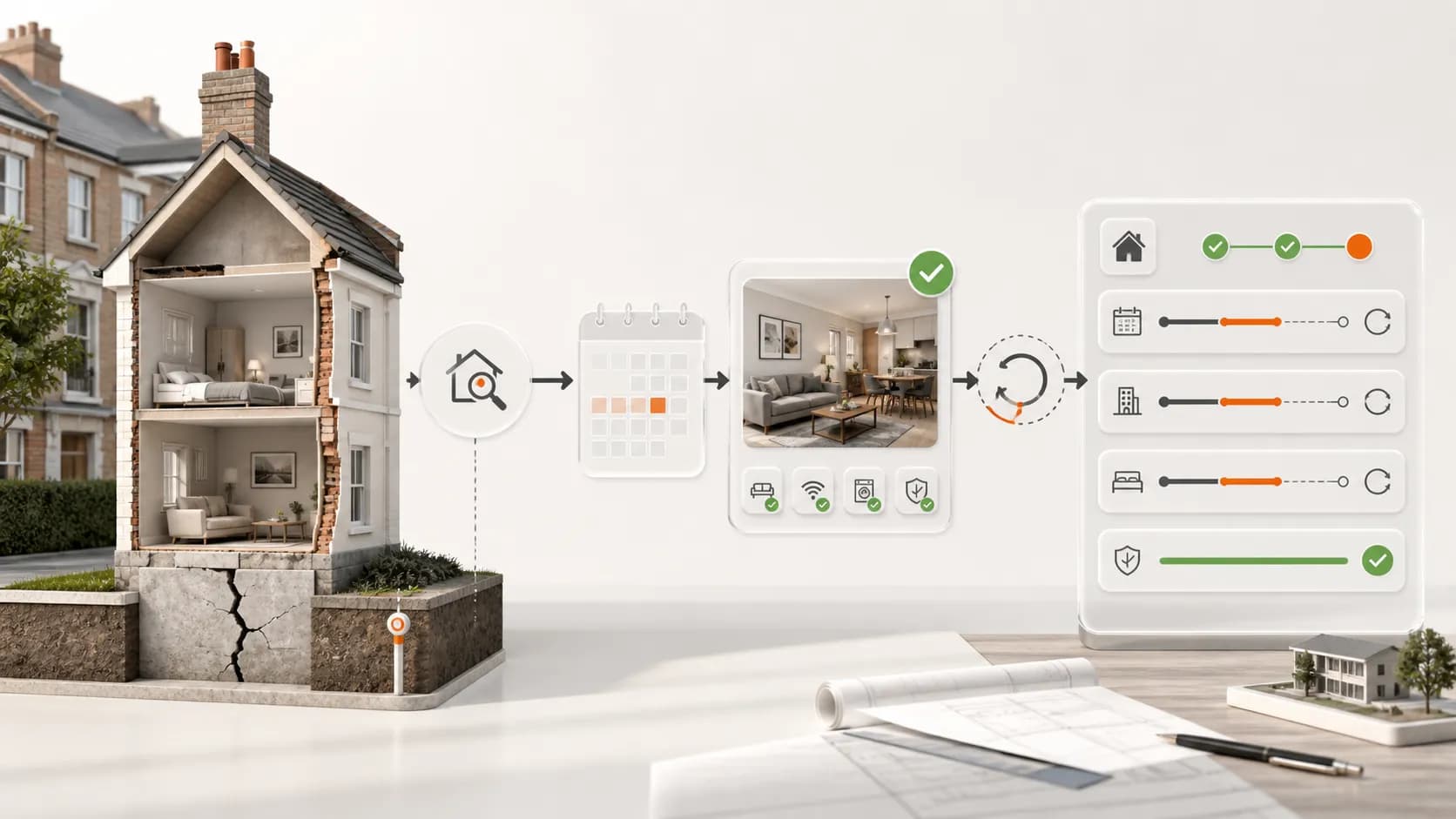
Choose the property. Open its cleaning settings in your channel manager or property management system.
Add the services. Include weekly cleaning, any agreed fortnightly services, end-of-stay cleaning and other relevant options.
Explain each service. State how often it happens, what is included and whether linen or towels are changed.
Check the charges. Confirm the amount, how it applies and whether the service is already included in the accommodation rate.
Review the information with us. Check that the cleaning details received through the connection match your intended offer.
Brief your cleaning team. Arrange the visits, access and cover needed to deliver the services you have listed.
Keep the service practical during the stay
Your cleaning team still needs a plan for each booking. Agree who will attend, when visits will take place, how access will be arranged and who will cover staff absence.
Explain the arrangements to the household so they know what to expect. If a visit needs to move, agree a new time and make sure the cleaner and the person managing the booking both know.
If the booking is extended, check that your team can continue the cleaning service for the extra dates. Review any changes to services or charges before the extension is agreed.
Longer bookings can mean fewer changeovers, but cleaning, laundry, travel and supplies still cost money. Include those costs when deciding your rate, alongside utilities and the value of the dates being booked.
Frequently asked questions
Where should I set up my cleaning?
Set up all cleaning services and charges in your channel manager or the property management system that supplies the information to us. We display the cleaning details exactly as we receive them through that connection.
Can I include weekly, fortnightly and end-of-stay cleaning?
Set up all relevant services clearly, including their frequency, description and charges. Remember that our supplier requirements include weekly cleaning, either included or available within your rate structure.
What does API mean?
It is the connection that allows your software to send information to ours. You can focus on keeping your property and cleaning settings accurate, without needing to understand how the connection is built.
What should I do if a cleaning detail is wrong?
Check the original setting in your channel manager first and correct it where needed. If the information shown with us still differs, contact our team with the property name and the detail that needs checking.
Does listing cleaning arrange the visits?
Your team remains responsible for organising and delivering the cleaning. Make sure someone arranges the rota, household contact, access, linen and any replacement cover.
Sources and useful guides
Offer your properties with clear cleaning arrangements
We welcome professional suppliers who manage suitable entire UK properties and can provide reliable service throughout a longer stay. Check our supplier requirements and apply to join VivreStays, with your cleaning options clearly set up in your channel manager and your team ready to deliver them.